
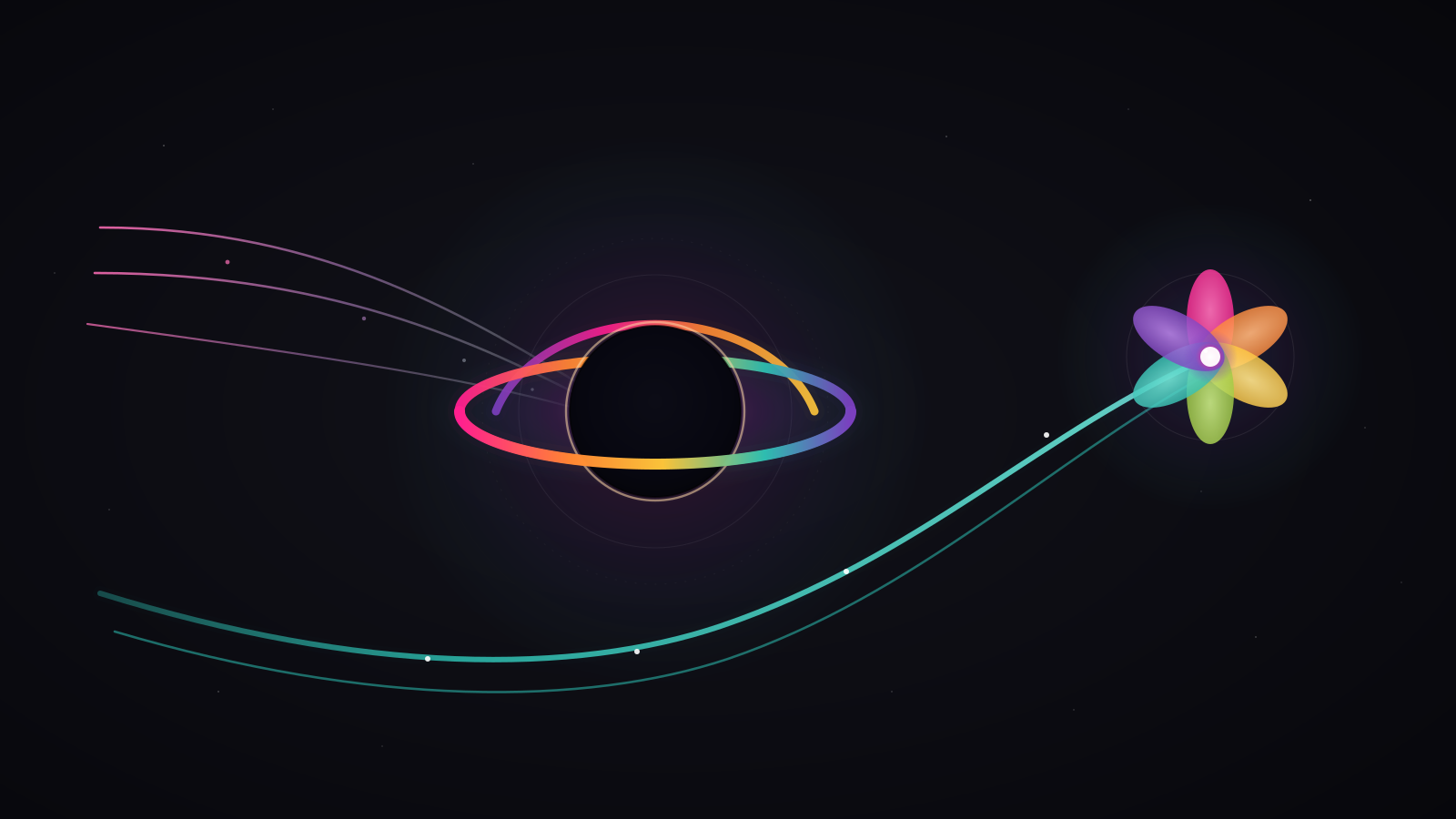
AI browsers have arrived — ChatGPT Atlas and Perplexity Comet — and they don't break your attribution the same way. One hides inside Direct; the other leaves a recoverable trail. Here's how each one behaves in Google Analytics 4.
In the previous post in this series we saw why your AI traffic lands in Direct: referrer stripping. This post grounds that problem in the two browsers of the moment and leaves you a concrete action for each.
What ChatGPT Atlas and Perplexity Comet Are
An AI browser puts the assistant inside the browser. It isn't a separate chat app — it's the window you browse in. The assistant reads the page, summarizes it, and — in agent mode — navigates and acts on your behalf.
The distinction matters for measurement. A chat app sends the user to your site in their normal browser; an AI browser is the browser, so it controls which origin data travels with the visit on every click.
ChatGPT Atlas is OpenAI's browser. According to OpenAI, it launched on October 21, 2025 for macOS, with ChatGPT built into a sidebar and an agent mode that completes tasks for the user.
Perplexity Comet is Perplexity's equivalent. According to Perplexity, it debuted in July 2025 and has been free worldwide since October 2025. It ships with Comet Assistant, an agent that lives in the browser and automates routine tasks.
The difference between them isn't what they promise — it's what they tell your analytics. That's where the problem starts.
The Referrer and the Asymmetry Almost Nobody Notices
Every time you click a link, the browser usually sends a Referer header that tells GA4 where you came from. According to MDN, a referrer policy can trim that data or, with no-referrer, omit it entirely.
That decision is the browser's, not your site's: you don't control whether the referrer travels. So two AI browsers, faced with the same click, can tell your analytics opposite things — which is exactly why you treat them separately.
That's where the asymmetry begins. According to MarTech, Atlas opens links in an embedded view (webview) that strips the referrer — and GA4 logs the session as Direct or (not set). The practical effect stings: a real visit arriving from a ChatGPT answer comes in with no origin tag, indistinguishable from someone who typed your URL by hand.
Comet does the opposite. The same analysis notes that Comet does pass the referrer, so GA4 sees it as perplexity.ai and classifies it as Referral — trackable and recoverable. Same kind of product, two opposite behaviors.
How Each One Shows Up in GA4
GA4 has no bucket for "AI browser." It classifies by what it receives: if there's a referrer, it goes to Referral; if not, to Direct. According to Google, (direct)/(none) is the bucket for traffic whose origin GA4 can't determine.
And Direct misleads more than it seems. According to Simo Ahava, GA4 avoids marking Direct when it can: it inherits the last non-direct source within the 90-day window. So an Atlas visit can hide under an old source, not just under Direct.
The result misleads twice: you lose the real source and, on top of that, the session can latch onto an earlier campaign and pollute that report too.
Table 1 — how GA4 records each AI browser or source. The last column, "What to do," is the action you take in each case.
| AI browser / source | Passes the referrer? | How it shows in GA4 | What to do |
|---|---|---|---|
| ChatGPT Atlas (browser) | No — strips it | Direct / (not set) | Alternative signals / server-side — the channel doesn't catch it |
| Perplexity Comet (browser) | Yes — perplexity.ai | Referral | Add perplexity.ai to your AI channel (Post 11) |
| ChatGPT (app/web, for contrast) | Case by case | Direct or chatgpt.com | Add chatgpt.com to the regex when it appears |
| Perplexity (web, for contrast) | Yes — perplexity.ai | Referral | Already covered by your AI channel |
| Agent-initiated session, no referrer | No | Direct | Server-side / custom events (later post) |
The quick read: Comet and Perplexity web fall on the recoverable side; Atlas and agent sessions fall on the dark side. A channel fixes one half; it can't fix the other.
What to Do with Each Case
There's no single recipe, because the two browsers don't play the same game. The action branches by whether it leaves a trail or not.
Comet — the Recoverable Case
Comet is the easy case. Since it arrives as perplexity.ai, you just add that host to your AI traffic channel in GA4 — the one we built in how to set up an AI traffic channel in GA4. If you followed that guide, you're probably already capturing it.
One sentence, not a project: you add perplexity.ai to the AI source regex, place it above Referral, and you're done. The rule-order detail lives in that same post. That's the good half of the story: Perplexity's higher-intent traffic arrives tagged, and you can report it as what it is.
Atlas — the Dark Case
Atlas is the hard case. The channel group doesn't catch it, because there's no source to classify. There's no 100% reliable way to isolate it in standard GA4 — saying so plainly is part of the job.
Indirect signals remain, with no promise of precision: atypical landing pages, high-engagement sessions with no clear source, and user-agent signals like the ones we use to tell non-human traffic apart in crawlability for AI bots.
None of these signals is proof — they're hints that, together, suggest an AI browser. Treat them as a hypothesis for segmenting and watching trends, not as a confirmed source in your report.
To truly measure what lands in Direct you need another layer. According to Simo Ahava, the Measurement Protocol and server-side measurement let you attribute sessions the referrer doesn't cover — the ground for a later post in this series.
The Size of the Black Hole
How much traffic does this hole swallow? Today, not much — but it's growing fast. According to Similarweb, total traffic from AI platforms is still a small fraction of global internet traffic — below 1% in early 2026 — though AI referral visits are growing fast year over year.
The worrying part isn't the size, it's the invisibility. Traffic from browsers that strip the referrer never shows up growing in your reports — it dissolves into Direct and looks like something else.
For a CMO the risk is one of interpretation: if your Direct rises while your campaigns don't change, part of that bump may be untagged AI traffic — and you'd be reading it as visitors who already knew you.
And all that traffic comes from one cause: your presence in the models' answers. If the LLMs (large language models) don't cite you, there's no visit to measure — that's what multi-LLM monitoring watches for.
The Next Frontier: Agentic Browsers
The challenge ahead is stranger. When the agent acts for the user — not just browsing, but clicking, filling forms, or starting a checkout — the session stops looking like a human's.
According to OpenAI, Atlas's agent mode interacts with sites to complete tasks for the user; Perplexity's Comet Assistant does something similar. With no human scroll and machine-initiated actions, telling agent from person apart will be the next attribution problem — a topic for another post.
The pattern to watch: sessions that arrive, complete a goal, and leave without a single human signal in between. When that grows, your engagement metrics will partly measure machines, not people.
Book a call — if your AI tracking setup has edge cases (server-side, multi-domain, or advanced attribution), book a call and we'll work through it with you.
Frequently Asked Questions
Does ChatGPT Atlas pass the referrer to my site?
No. Atlas opens links in an embedded view that strips the referrer, so GA4 logs the visit as Direct or (not set). With no referrer and no UTM tag, the channel group has no source to classify.
Does Perplexity Comet also show up as Direct?
No. Comet does pass the referrer, so GA4 sees it as perplexity.ai and classifies it as Referral. That traffic is trackable: you can capture it by adding that host to your AI traffic channel.
Can I recover Atlas traffic in GA4?
Not reliably with channel groups: with no referrer there is nothing to group. To get closer you need server-side measurement and custom events, not the standard channel group.
How do I tell an AI agent session apart from a human one?
There is no standard method today. You lean on behavioral signals — no human scroll, very fast actions, machine-initiated sequences — and on user-agent signals. It is an emerging area, not an exact science.
Closing
Madbotz watches this behavior on its own blog: we separate what Comet leaves trackable from what Atlas hides in Direct, without pretending to recover 100%.
Three takeaways:
- The asymmetry rules: Comet leaves
perplexity.ai(Referral, recoverable); Atlas strips the referrer (Direct, not reliably isolated). - Comet is solved by adding its host to your AI channel; Atlas needs server-side, the pillar's next layer.
- The hole is small today but growing fast — and the invisible part is the one you don't see in your reports.
Start with the cause, not the measurement: AI traffic is born from your visibility. Before chasing every session, make sure AI sees and cites you — that's what the AI Visibility Score measures, the same 130+ check-item engine we run on our own site.
Analyze your site for free — enter a URL and get your AI Visibility Score in under 60 seconds.